How We Built Horaflow: A Shift-Aware Employee Time Tracking SaaS With 10,000+ Paid Users

Night shifts. Rotating schedules. Graveyard workers. Most time trackers break the moment hours cross midnight. We built Horaflow to fix that, and it now has 10,000+ paid users at $1.04 per user per month.

Industry: Workforce Management / HR Tech / SaaS

Type: B2B SaaS, a web app plus desktop agents for Mac, Windows and Linux

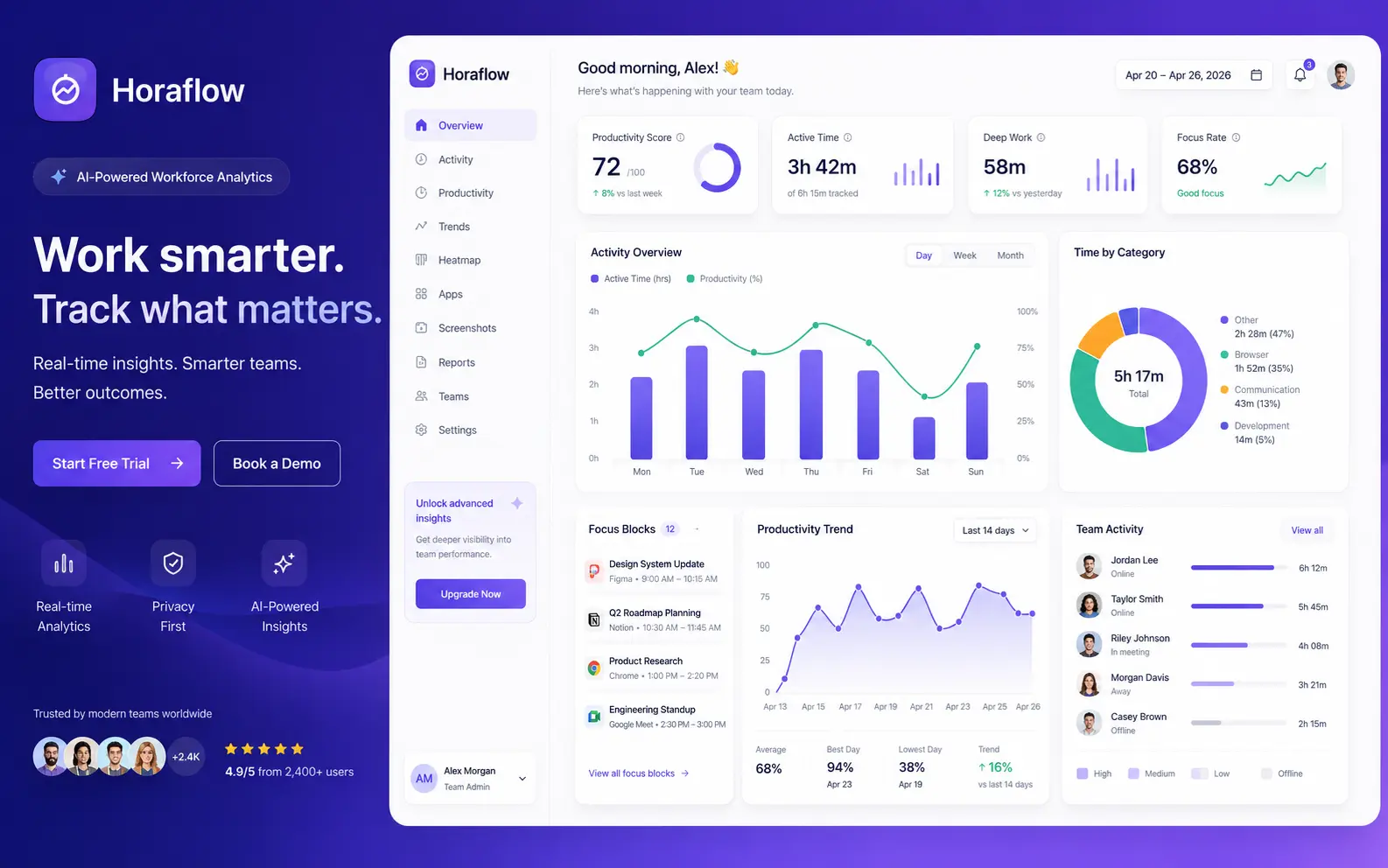
horaflow dashboard

The Problem Horaflow Was Built to Solve

Time Doctor, Hubstaff and most other employee time trackers make the same quiet assumption: your team works from 9 AM to 6 PM and never crosses midnight. When that assumption breaks, for BPO teams on night shifts, logistics crews on rotating schedules or support teams spread across time zones, the data falls apart.

A real example from a team before they switched to Horaflow: same employee, same week, same hours actually worked. Their old tracker showed 2 hours 16 minutes on Monday, 16 hours 46 minutes on Tuesday and 15 hours 03 minutes on Wednesday. Nobody worked those hours. The tracker was splitting a 9 PM to 6 AM shift across two calendar days and stacking them wrong, and HR was correcting payroll by hand every Monday morning.

Horaflow was built to remove that problem. It treats a shift as the unit of work, not a calendar date, so every hour lands on the day it belongs to, wherever midnight falls.

Horaflow app screens
Horaflow app mockup

Who Horaflow Is Built For

Horaflow is built for any team where standard 9-to-5 time tracking produces broken data. That includes:

It is also a good fit for businesses that are overpaying for Time Doctor or Hubstaff. At $1.04 per user per month on a yearly plan, Horaflow costs roughly 10x less per user than the leading alternatives, while keeping the features that matter.

How Horaflow Works

Shift First Time Attribution Icon

Shift-First Time Attribution

Employees clock in once and the desktop agent tracks their activity in the background. Instead of putting hours on whichever calendar date they fall on, Horaflow puts every hour on the shift it belongs to. A shift from 9 PM Monday to 6 AM Tuesday is logged in full as Monday’s shift, because that is when the employee started work.
Live Team Timeline Icon

Live Team Timeline

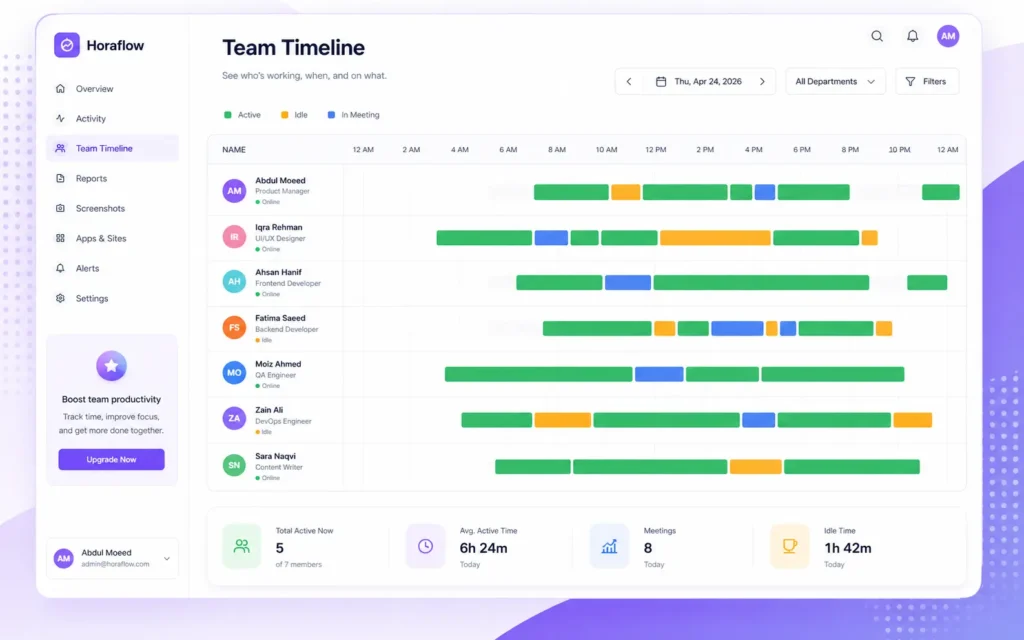
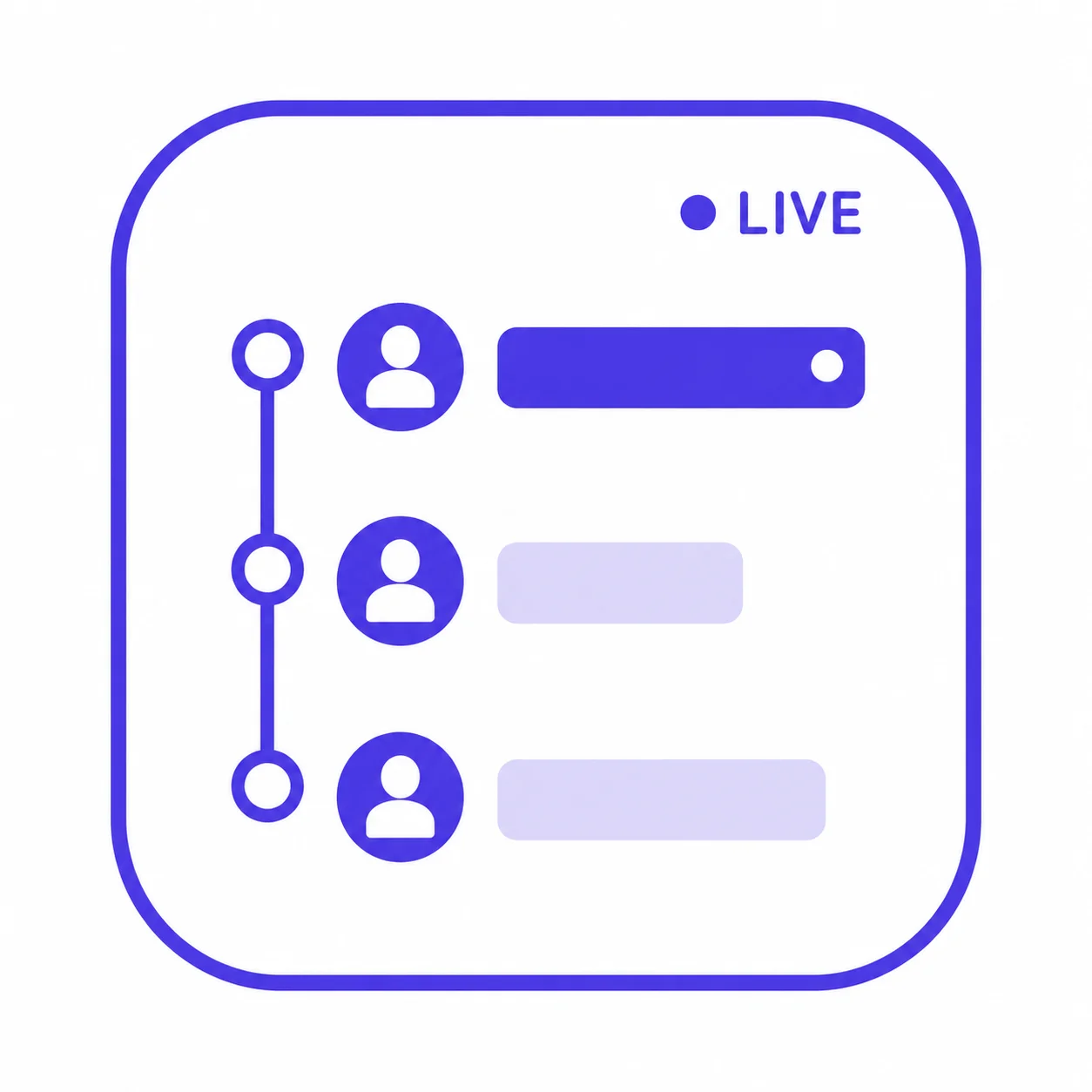
A real-time dashboard showing every team member’s status at a glance. Green means active, yellow means idle and blue means in a meeting. Hover any bar to see which app is open, for how long, and how many screenshots have been captured. It refreshes on its own, with no page reload.
Activity Heatmap Icon

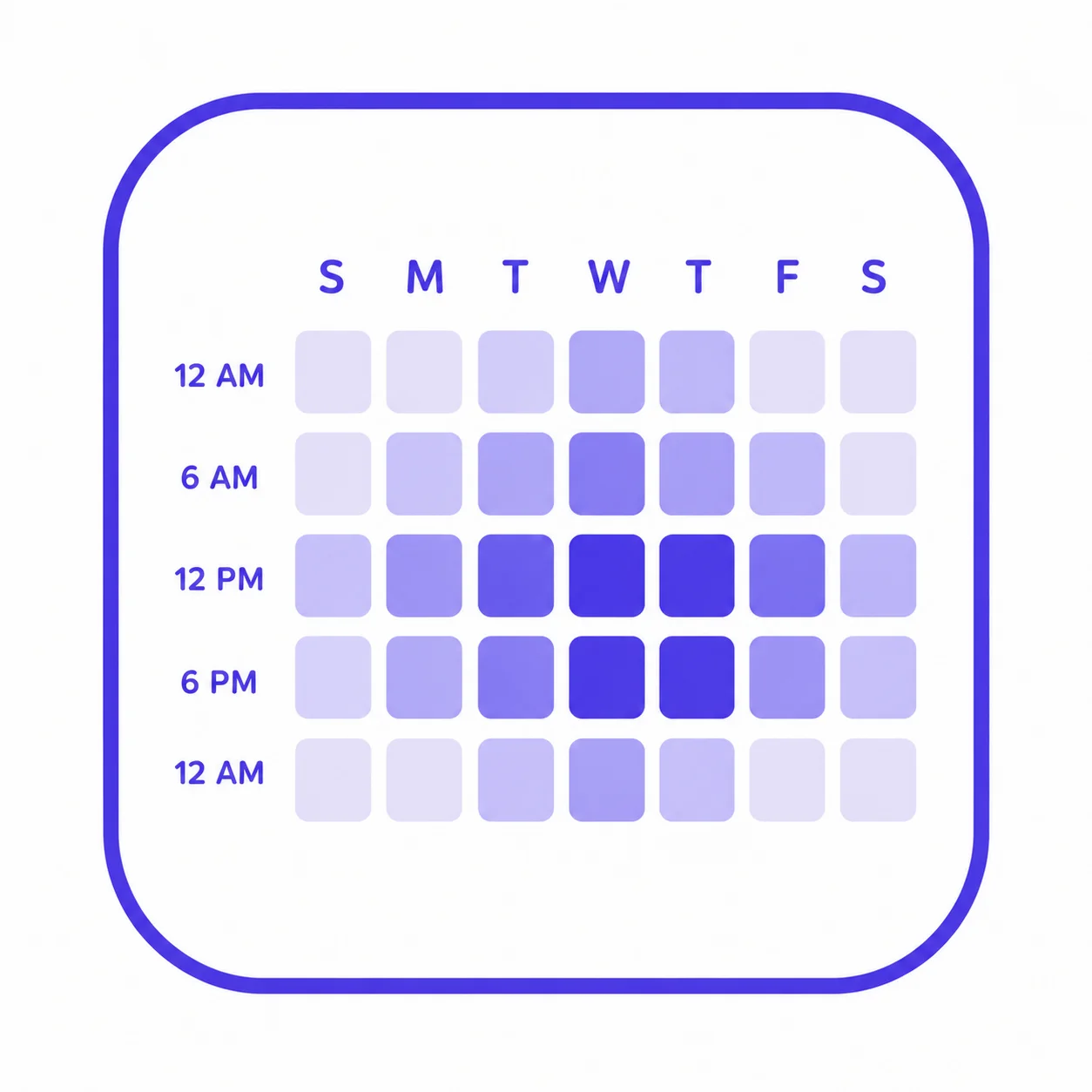
Activity Heatmap

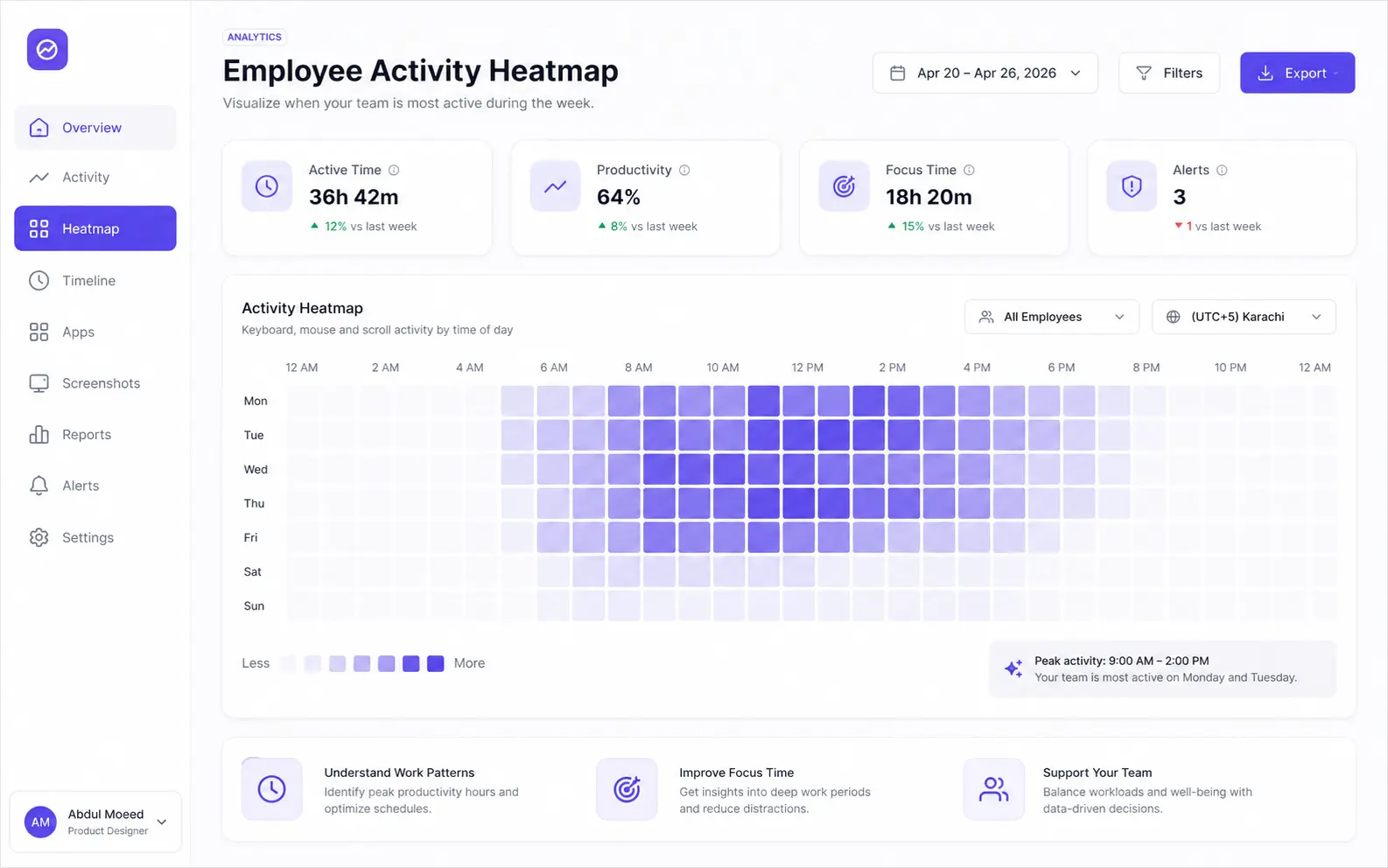
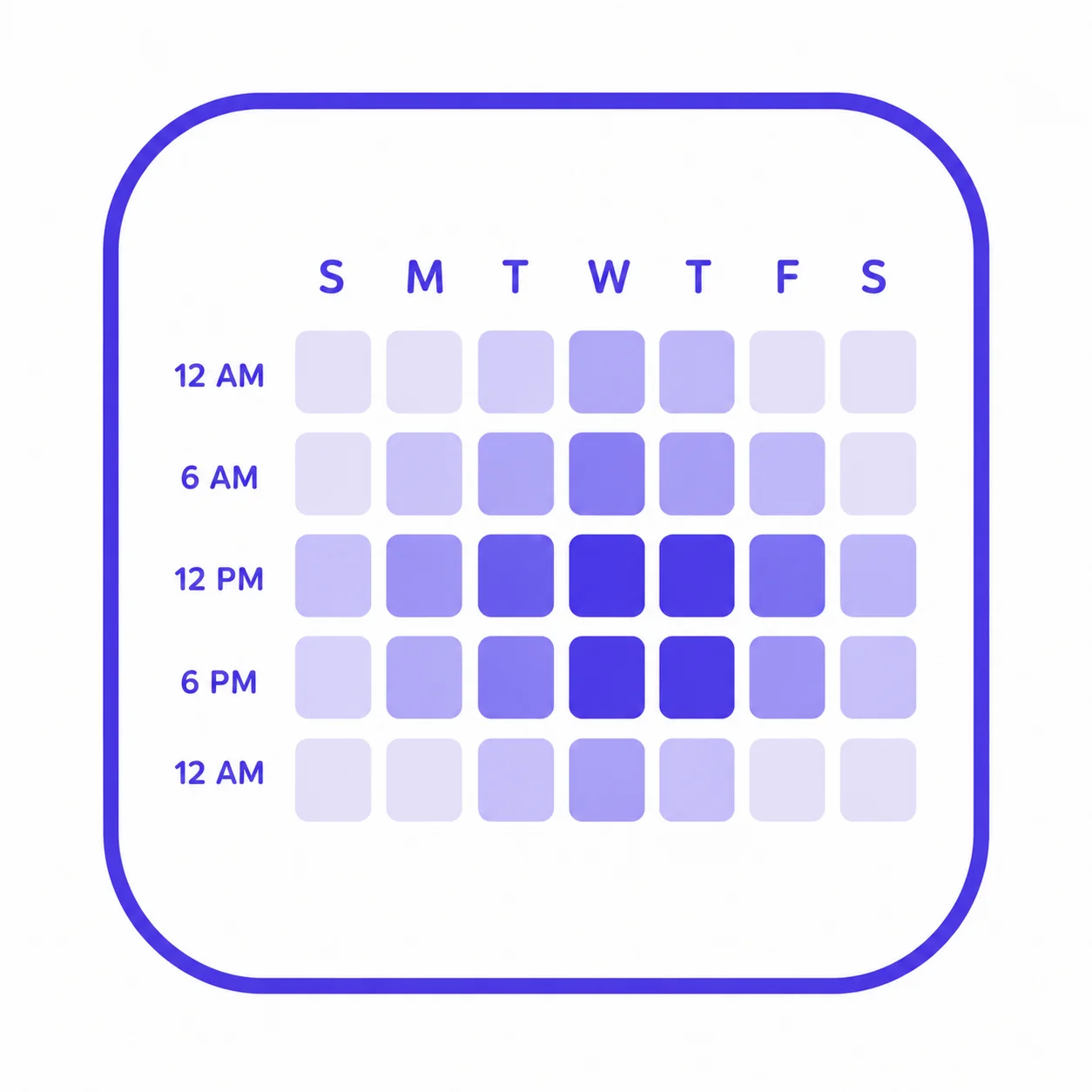
An hour-by-hour productivity grid for individuals and teams that shows when people actually do their best work. Managers can spot burnout shifts, slow afternoons and high-output mornings, then plan schedules around real patterns instead of guesses.
Productivity Scoring icon

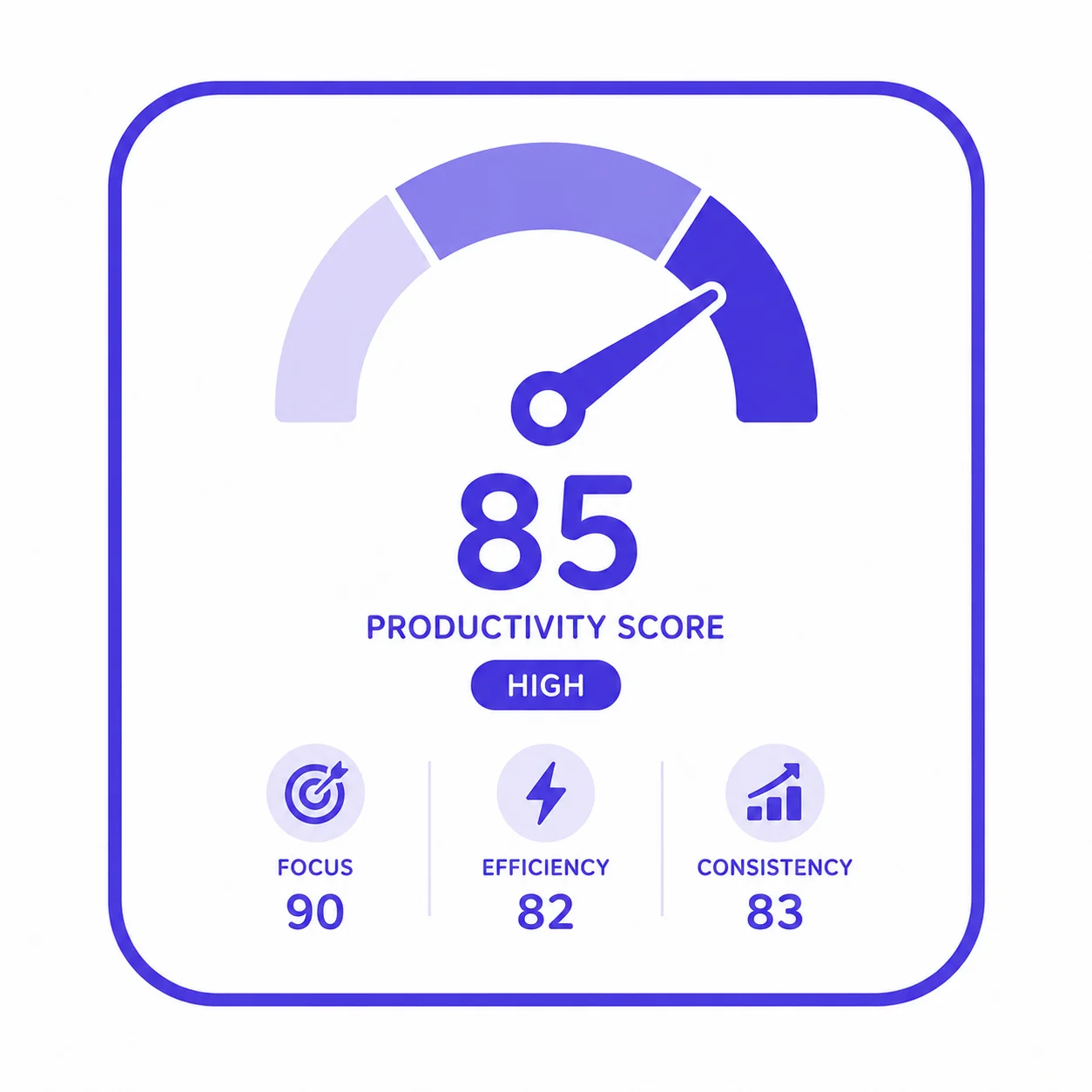
Productivity Scoring

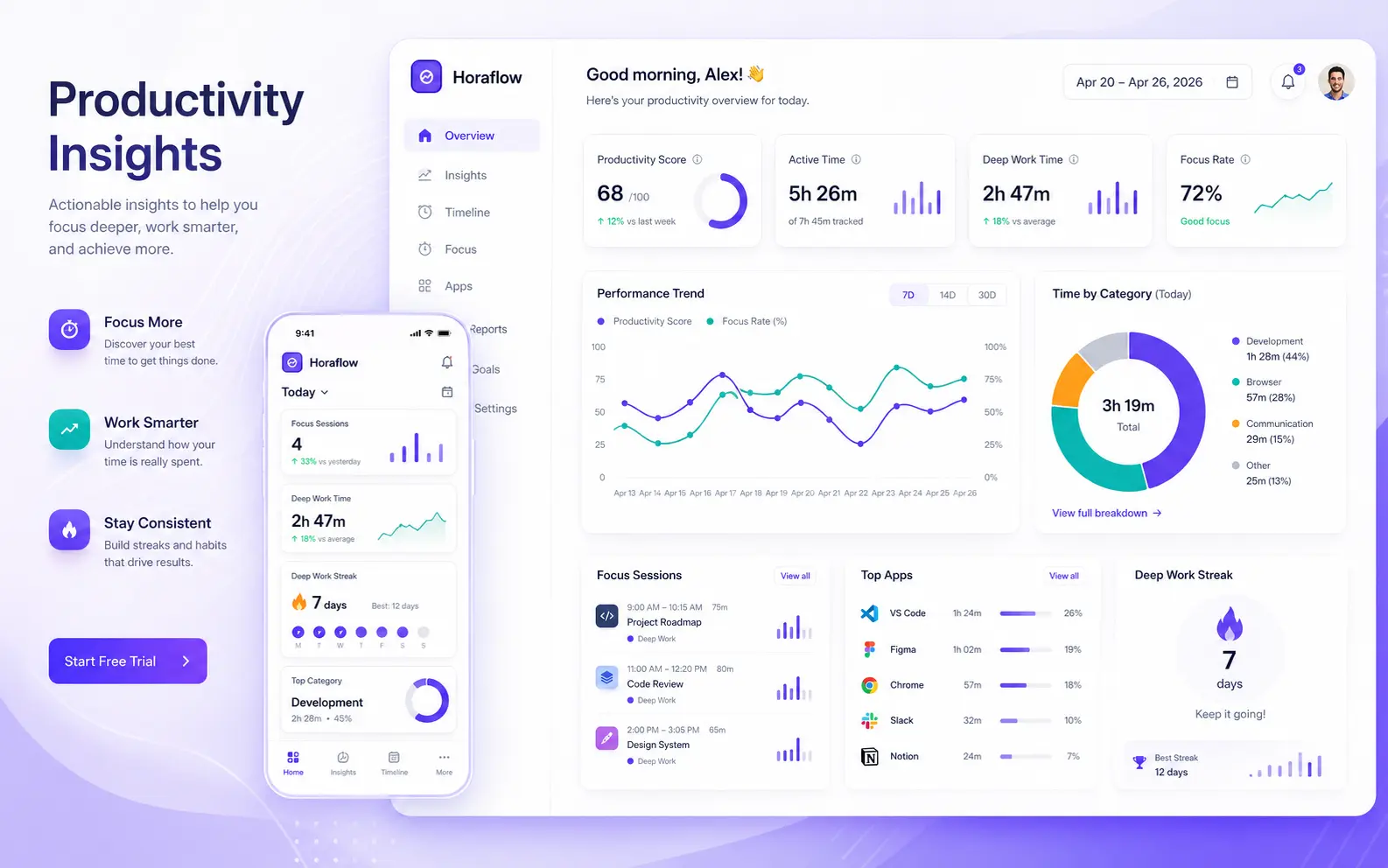
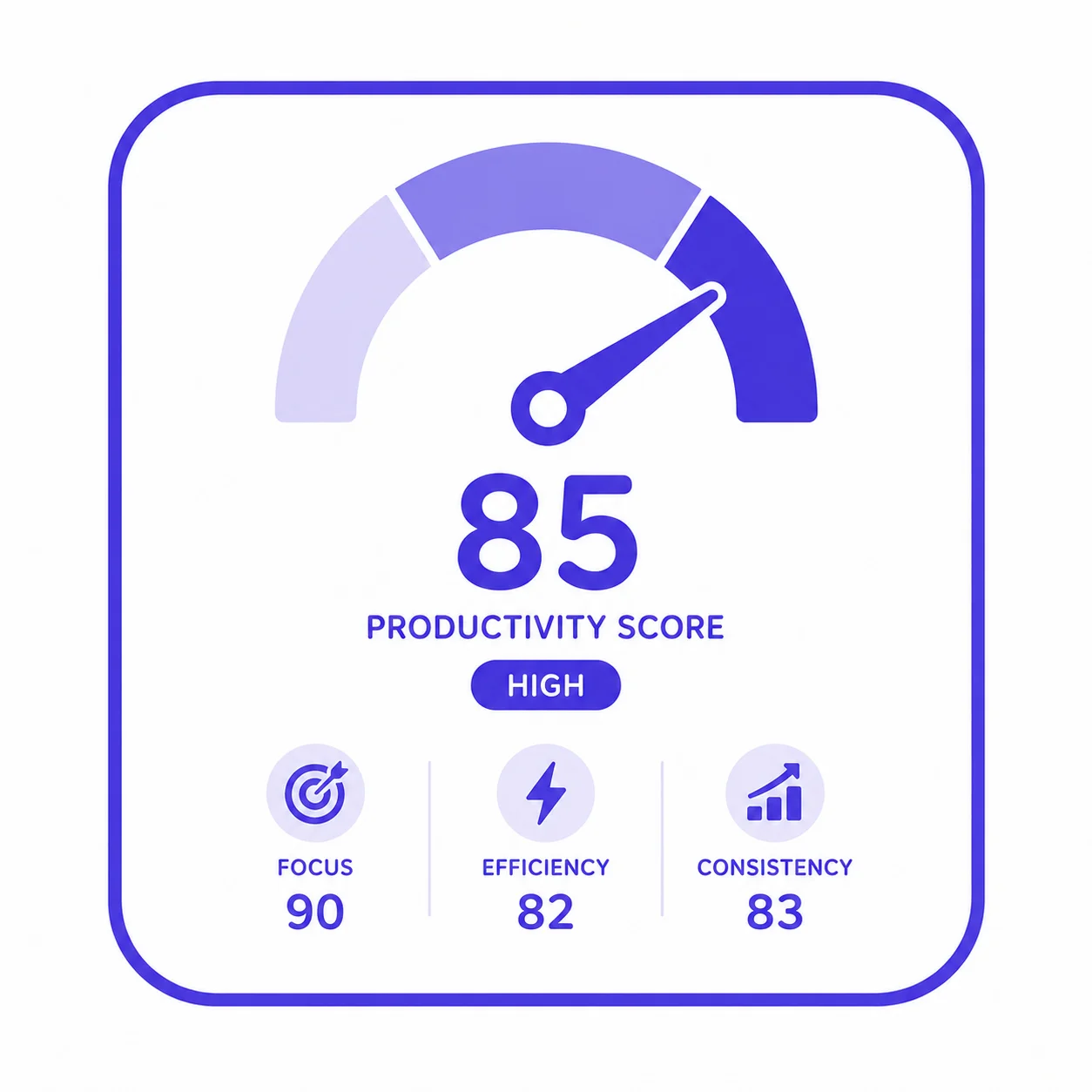
Keyboard activity, mouse movement, app usage and meeting time are combined into one productivity score per employee per day. Every cell can be opened to see exactly what made up the number. No black-box algorithms and no mystery rankings.

Smart Screenshots Icon

Smart Screenshots

Screenshots are captured at random intervals, not fixed ones, so the timing cannot be predicted or gamed. Idle frames are flagged automatically. Managers get visual evidence of activity without hovering.

Project and Task Time

Project and Task Time

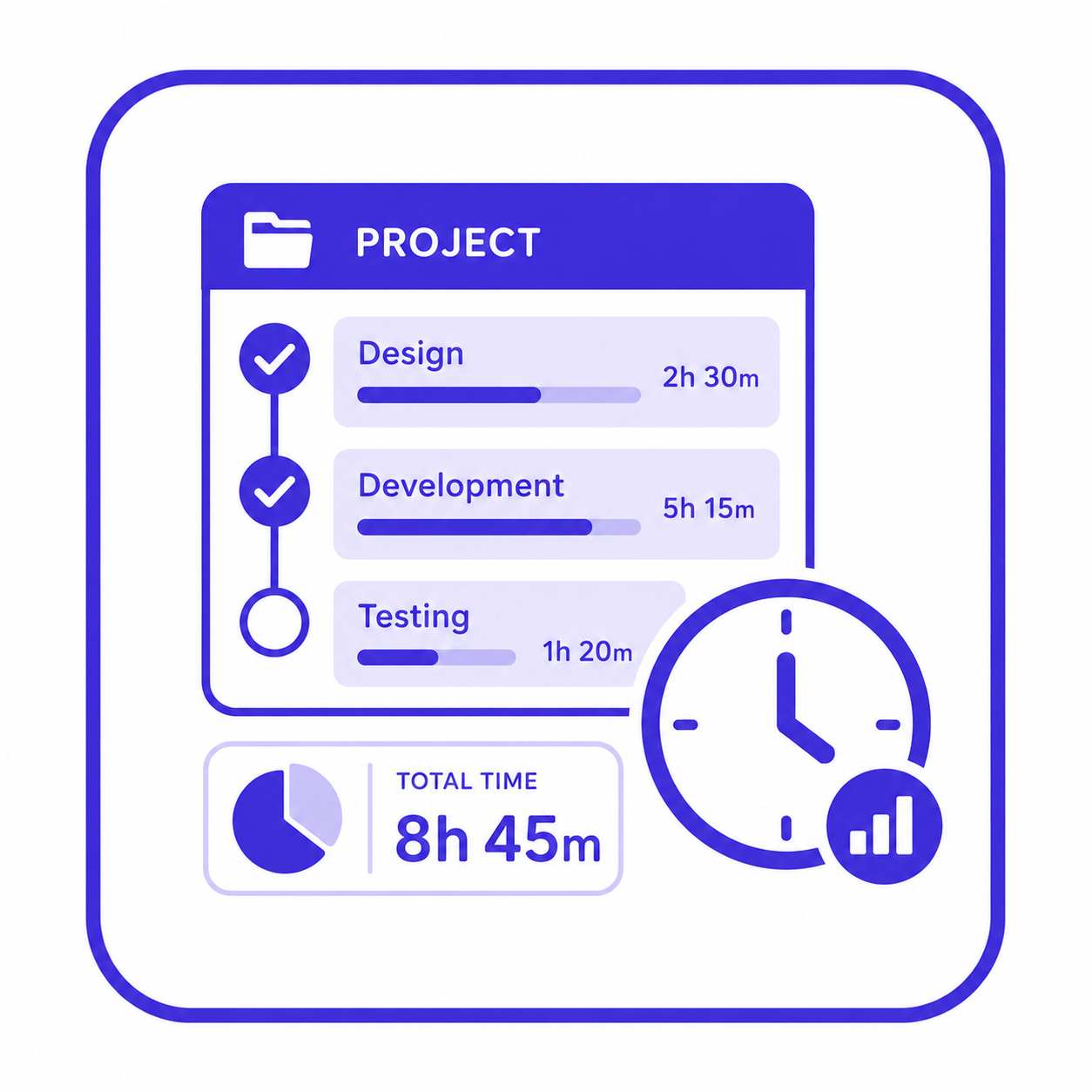
Time is tracked by project and task, not just by employee. Per-project, per-employee and per-task reports are built in, so billing clients for actual hours is straightforward.

Leave Management and Attendance Icon

Leave Management and Attendance

Built-in leave tracking and attendance overrides mean there is no need for a second HR tool. Leave requests, approvals, and overrides all live inside Horaflow.
Daily Email Digests Icon

Daily Email Digests

A clean summary of what the team did yesterday, delivered to the manager's inbox by 9 AM. No logging in required to stay informed.
Paid users worldwide
10000 +
Cheaper per user than Time Doctor and Hubstaff
~ 10 x
Desktop OS platforms shipped and maintained (Mac, Windows, Linux)
3
Per user per month on yearly billing
$ 1.04

The Horaflow Build Story: What We Actually Shipped

Horaflow is our own product. We built it for ourselves and for the market, so we made every product decision, solved every technical problem and launched it without a client brief to fall back on.

The hardest part was not the UI or the dashboard. It was getting the shift attribution logic right at the database level. The desktop agent and the backend had to apply the same shift boundary rules every time, whatever the user’s local timezone, whatever OS they ran, and whether their shift crossed midnight in UTC or in local time. Getting that right on Mac, Windows and Linux at the same time added real complexity.

Pricing also shaped the engineering from day one. At around $1 per user per month, the infrastructure had to be lean by design. We did not build it expensively and plan to optimize later.

Horaflow app screens

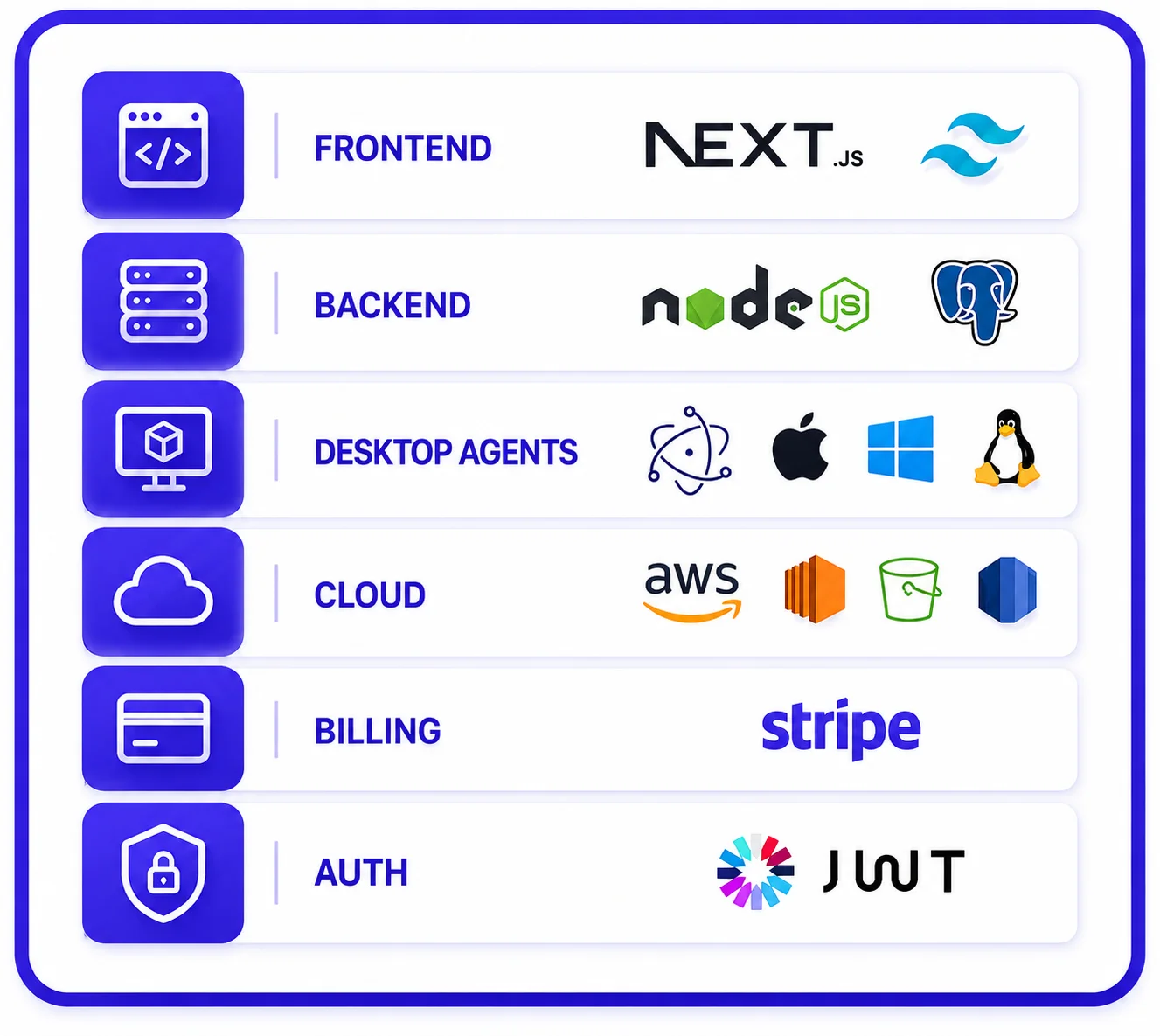
Horaflow Tech Stack

Tech stack horaflow

What We Learned Building Horaflow

Model the Real Unit of Work

Calendar days were the wrong unit for shift teams. Treating the shift as the unit of work fixed the data at the source, so HR no longer has to correct payroll by hand.
One Set of Rules for Time

The desktop agent and the backend must apply the same shift boundary rules in UTC, whatever the user’s timezone or OS. Settling that early is what keeps the numbers consistent on Mac, Windows and Linux.
Price Shapes the Architecture

At around $1 per user per month, there was no room for an expensive setup. Building lean from day one is what makes that price possible.
Transparency Builds Trust

Drillable productivity scores and random screenshots with idle frames flagged give managers evidence instead of guesswork, and show employees exactly how their score is worked out.

Horaflow FAQs

A product at this level, with a web dashboard, desktop agents for three operating systems, productivity scoring, screenshot capture and billing, typically takes 4 to 6 months for an experienced full-stack team. The most time-consuming parts are the desktop agents and keeping the shift attribution logic consistent across platforms and time zones.
The core difference is shift-first time attribution. Time Doctor and Hubstaff count hours by calendar day, which breaks as soon as your team works a night shift. Horaflow counts hours on the shift they belong to. The price is also very different: Horaflow costs about $1.04 per user per month, compared with $10 to $14 per user per month for the alternatives.
Yes. This is exactly the kind of product we build, and we have done it for ourselves with Horaflow. If you need a workforce management tool for your industry, team size or workflows, we can scope and build it. Book a call and we will walk you through what is involved.
Yes. Horaflow was designed specifically for remote and distributed teams. The desktop agent works on the employee’s own machine, the live timeline gives managers real-time visibility without hovering, and the daily digest keeps everyone informed across time zones.

Want to build a workforce SaaS or employee productivity tool?

Get In Touch With Us!