Night shifts. Rotating schedules. Graveyard workers. Most time trackers break the moment hours cross midnight. We built Horaflow to fix that — and shipped it to 10,000+ paid users at $1.04/user/month.
Industry: Workforce Management / HR Tech / SaaS
Type: B2B SaaS — Web App + Desktop Agents (Mac, Windows, Linux)
Time Doctor, Hubstaff, and every other employee time tracker on the market makes the same quiet assumption: your team works from 9 AM to 6 PM and never crosses midnight. The moment that assumption breaks — BPO teams on night shifts, logistics crews on rotating schedules, support teams spanning time zones — the data falls apart.
A real example from a team before they switched to Horaflow: same employee, same week, same hours actually worked. In their old tracker, Monday showed 2 hours 16 minutes, Tuesday showed 16 hours 46 minutes, Wednesday showed 15 hours 03 minutes. Nobody worked those hours. It was the tracker splitting a 9 PM to 6 AM shift across two calendar days and stacking them wrong. HR was manually correcting payroll every Monday morning.
That is the problem Horaflow was built to eliminate. It treats a shift as the unit of work — not a calendar date. Every hour lands on the day it belongs to, regardless of when midnight falls.
Horaflow is built for any team where standard 9-to-5 time tracking produces broken data. That includes:
It also targets businesses that are overpaying for Time Doctor or Hubstaff. At $1.04 per user per month on a yearly plan, Horaflow is roughly 10x cheaper per user than the leading alternatives — without cutting the features that matter.

Employees clock in once. The desktop agent runs in the background and tracks their activity — but instead of attributing hours to whichever calendar date they happen to fall on, Horaflow attributes every hour to the shift it belongs to. A shift from 9 PM Monday to 6 AM Tuesday is logged as Monday's shift, completely, because that is when the employee started work.
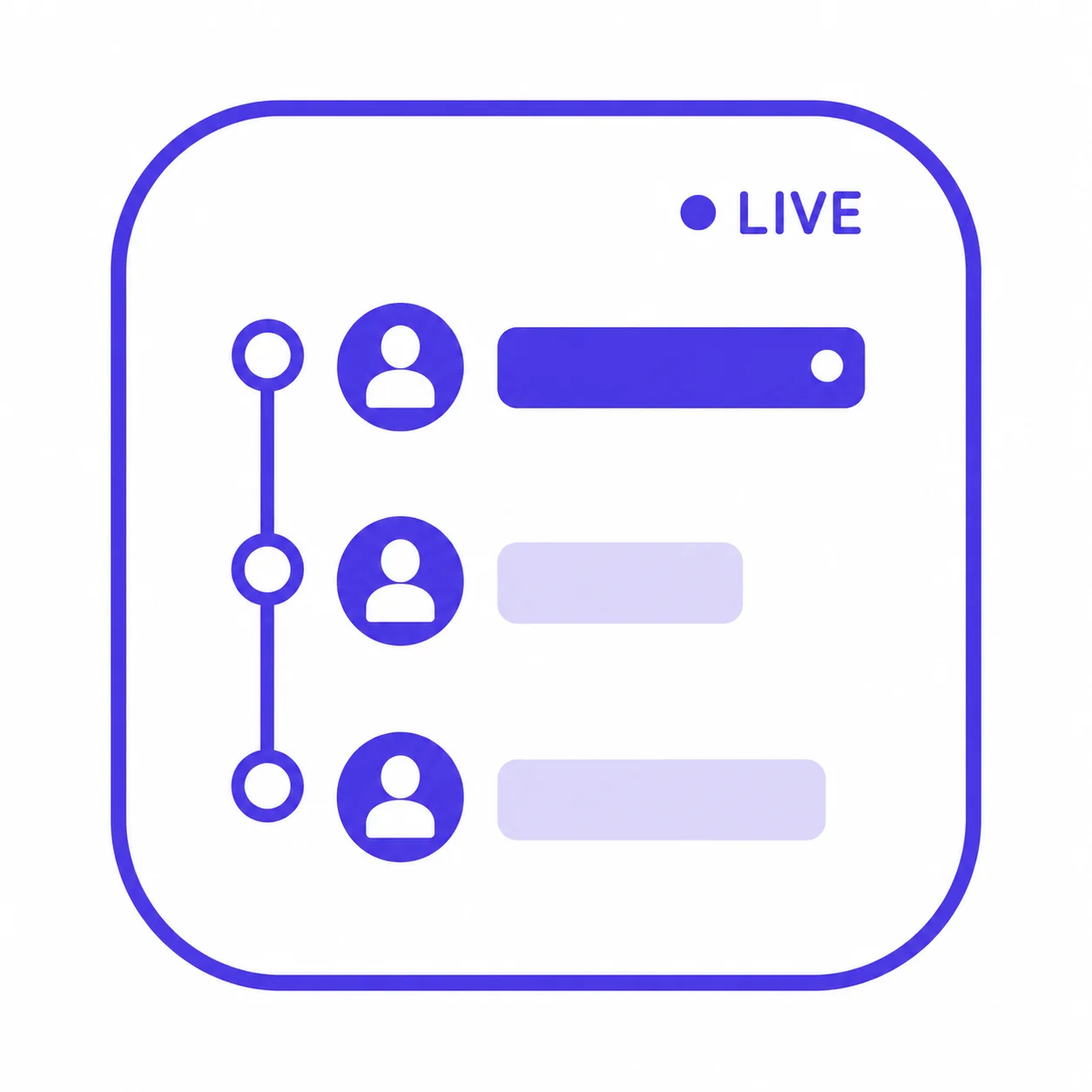
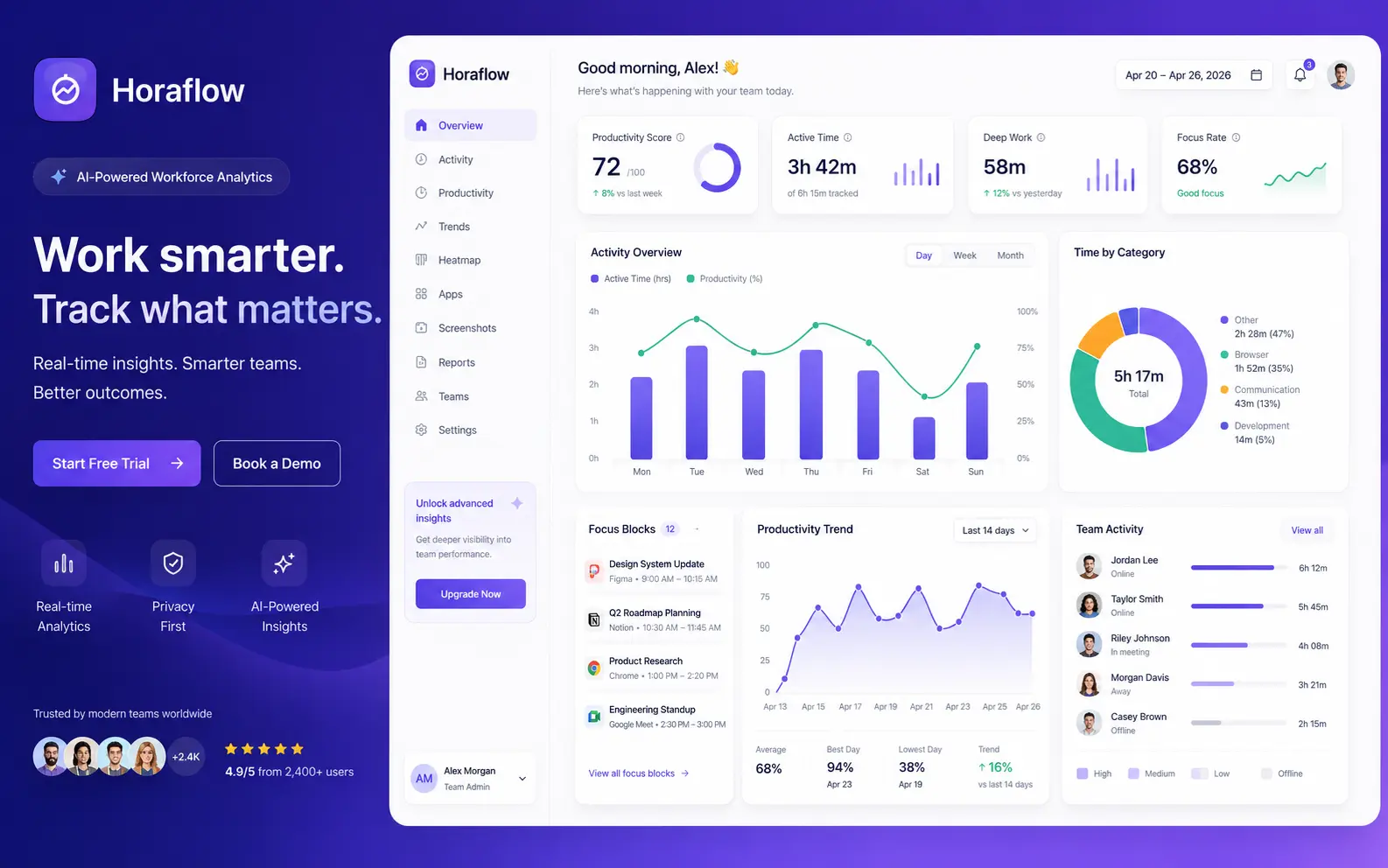
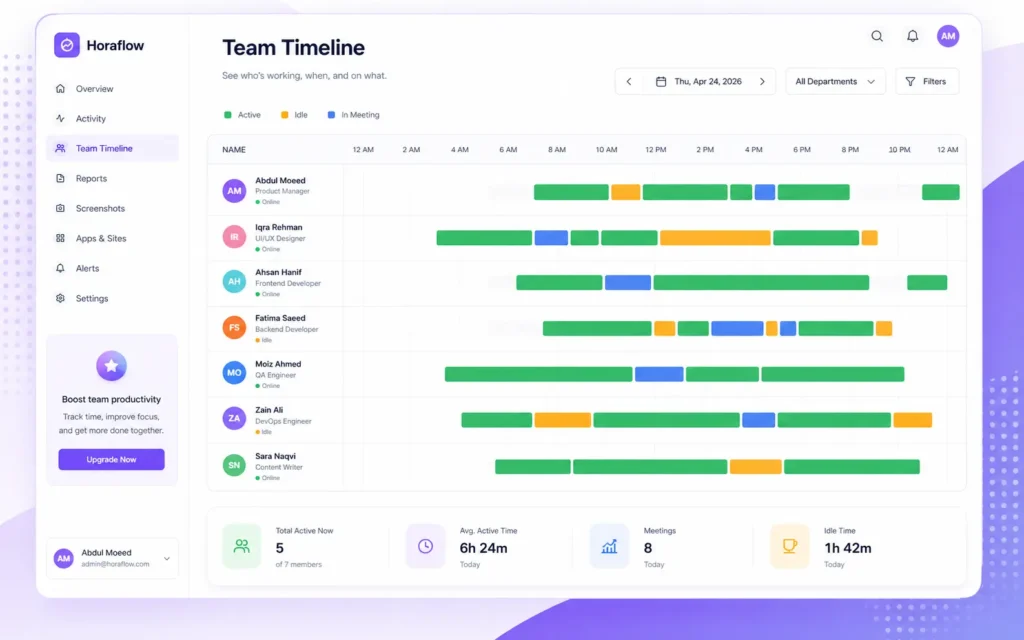
A real-time horizontal dashboard showing every team member's status at a glance. Green means active, yellow means idle, blue means in a meeting. Hover any bar to see exactly which app is open, how long it has been open, and how many screenshots have been captured. It refreshes automatically — no page reload needed.
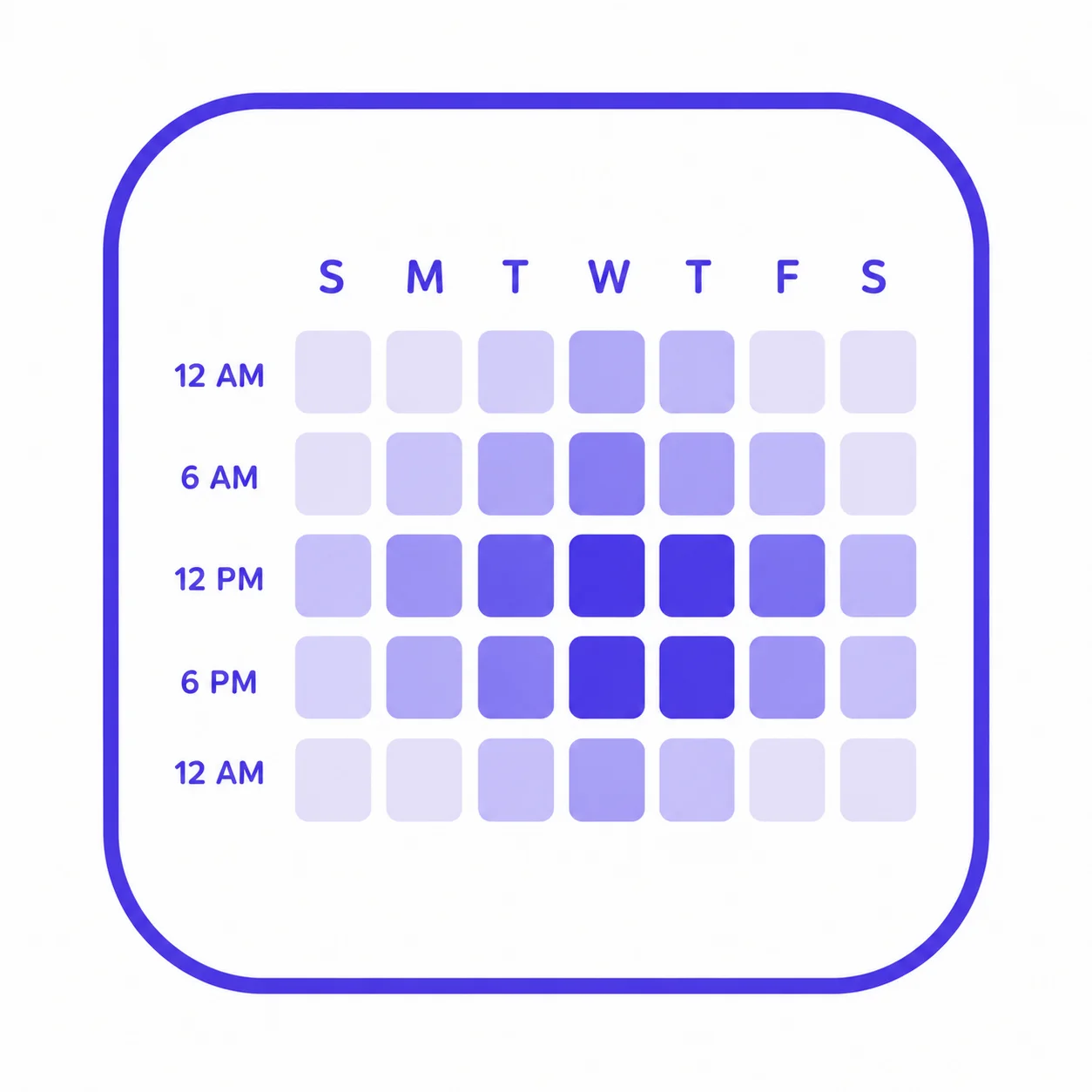
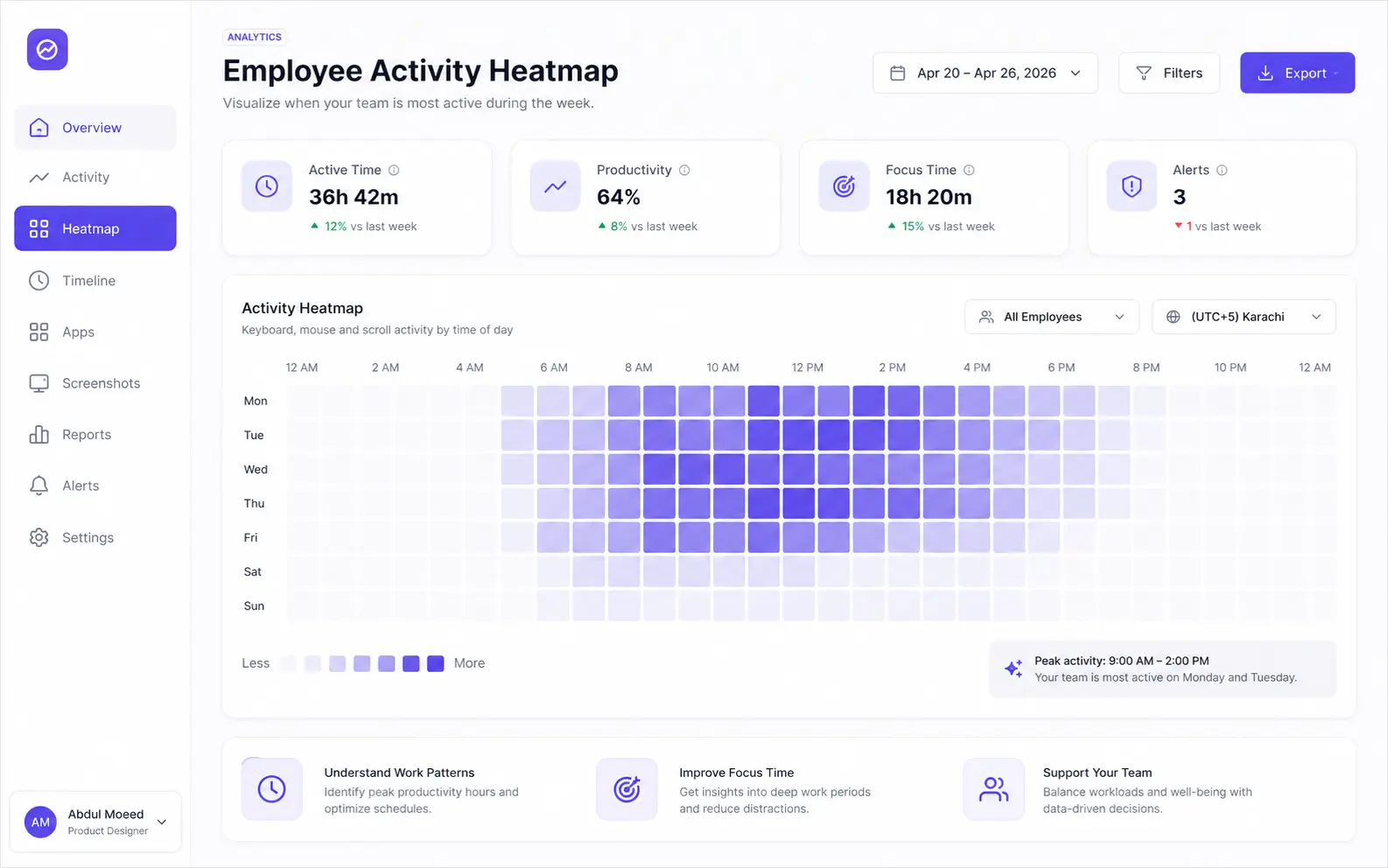
An hour-by-hour productivity grid for individuals and teams. It shows when people actually do their best work — not when you assume they do. Managers can spot the burnout shifts, identify dead afternoons, and find the high-output mornings, then schedule around real patterns instead of assumptions.
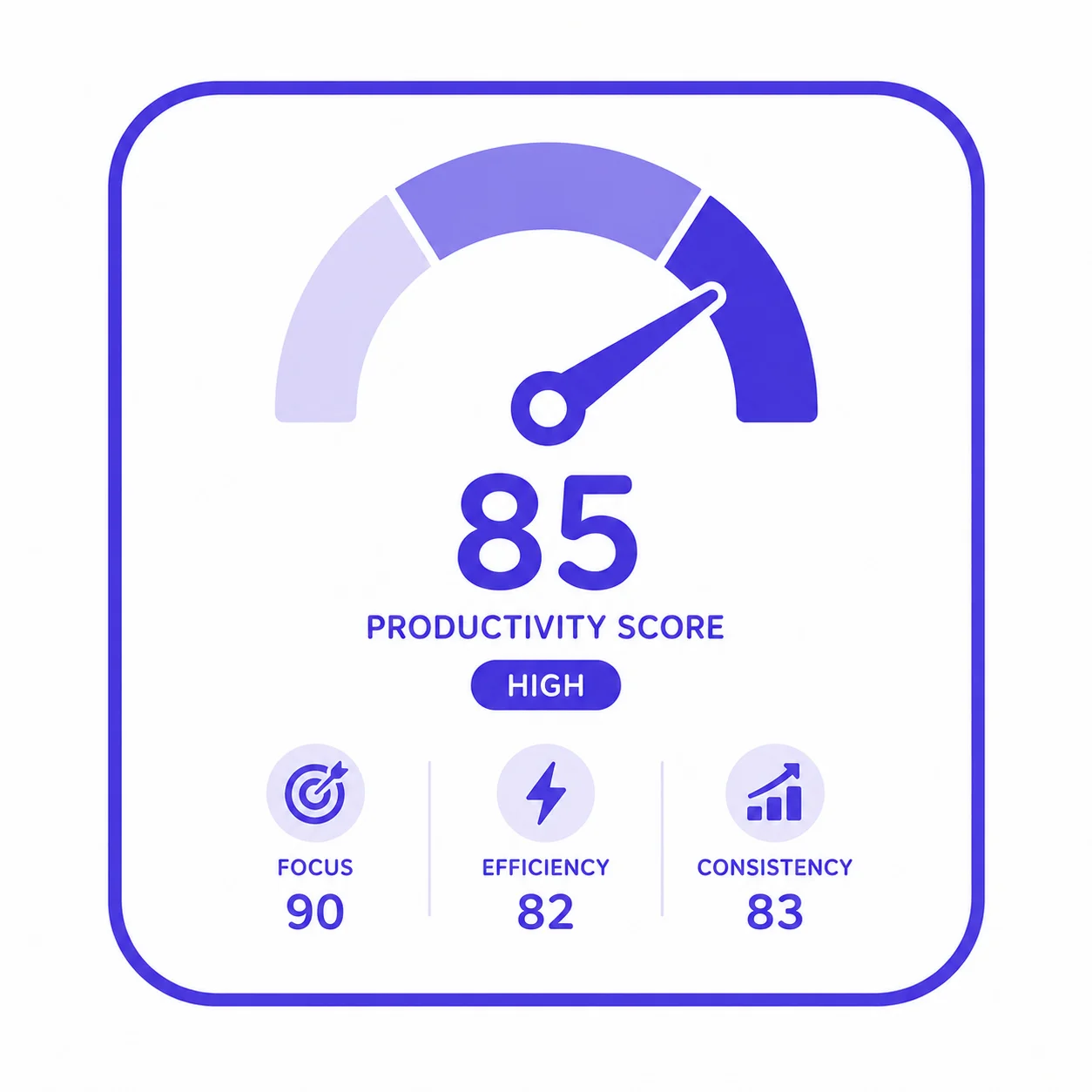
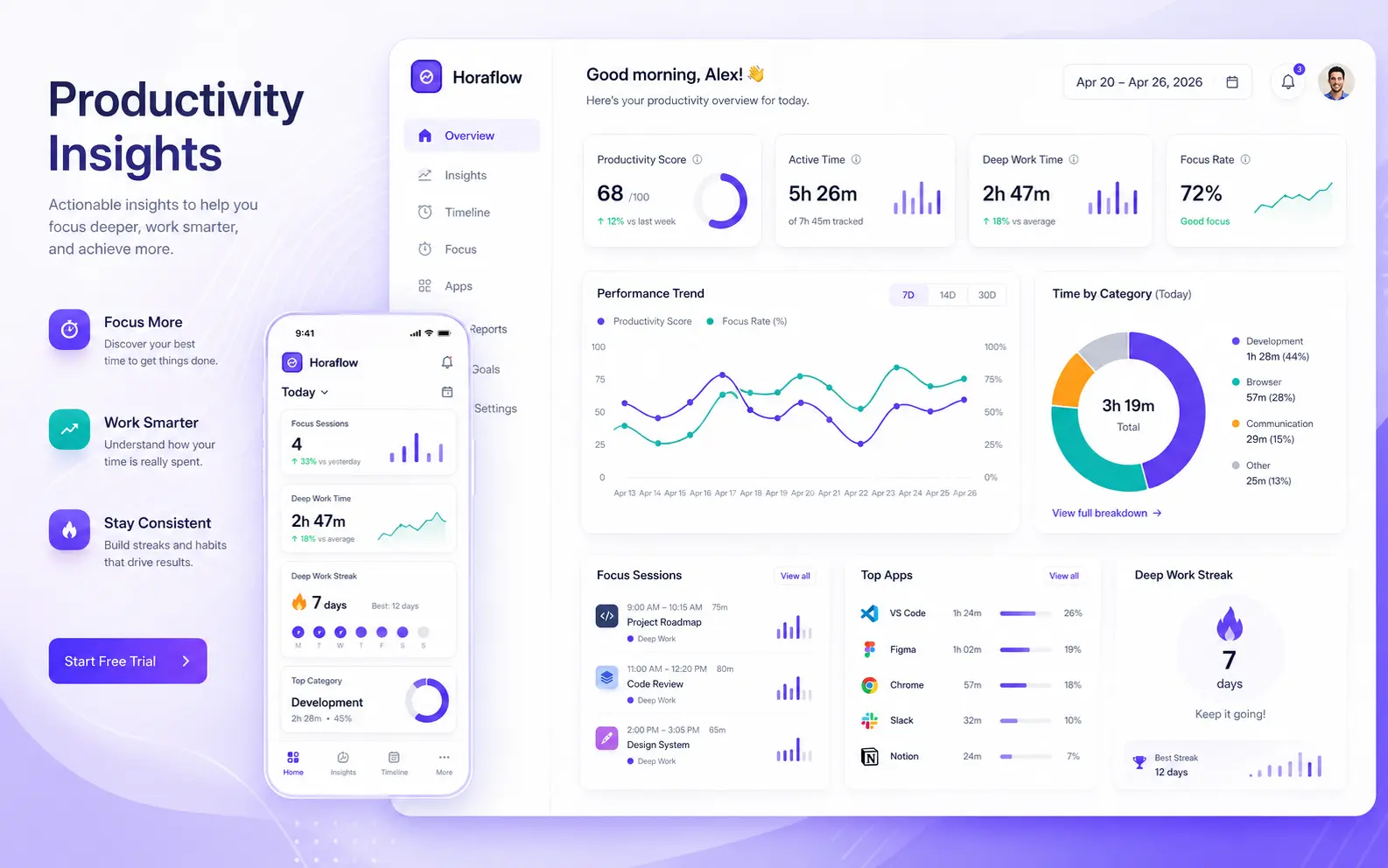
Keyboard activity, mouse movement, app usage, and meeting time are combined into a single productivity score per employee per day. Every cell is drillable — you can see exactly what contributed to the number. No black-box algorithms, no mystery rankings.

Screenshots are captured at random intervals, not fixed ones, so the timing cannot be predicted or gamed. Idle frames are flagged automatically. Managers get visual evidence of activity without hovering.

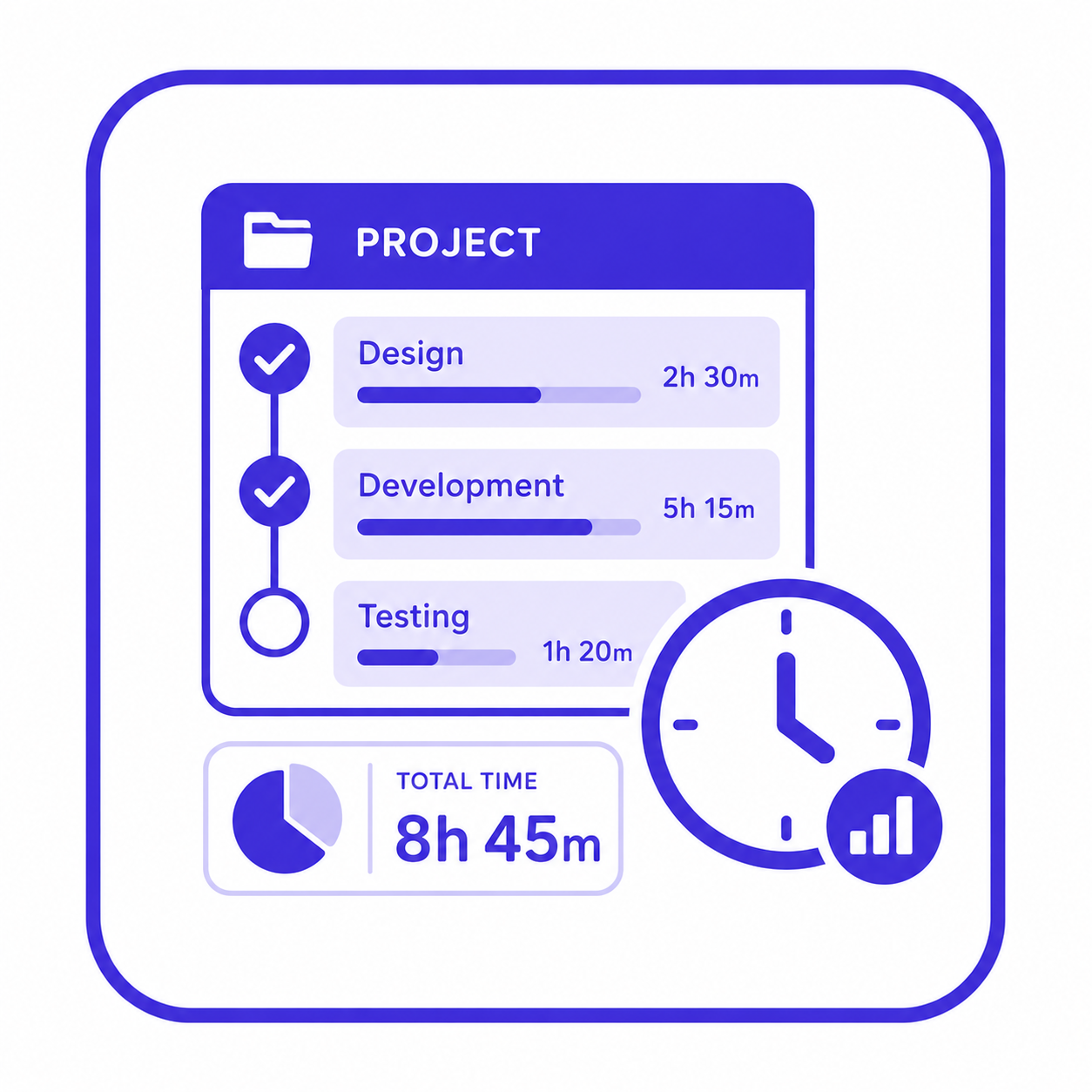
Time is tracked at the project and task level, not just at the employee level. Billing clients by actual hours becomes straightforward — per-project, per-employee, per-task reports are built in.

Built-in leave tracking and attendance overrides mean there is no need for a second HR tool. Leave requests, approvals, and overrides all live inside Horaflow.
A clean summary of what the team did yesterday, delivered to the manager's inbox by 9 AM. No logging in required to stay informed.
Horaflow is a product we built at Zenkoders for ourselves and for the market. That means we made every product decision, solved every technical problem, and launched it without a client brief to fall back on.
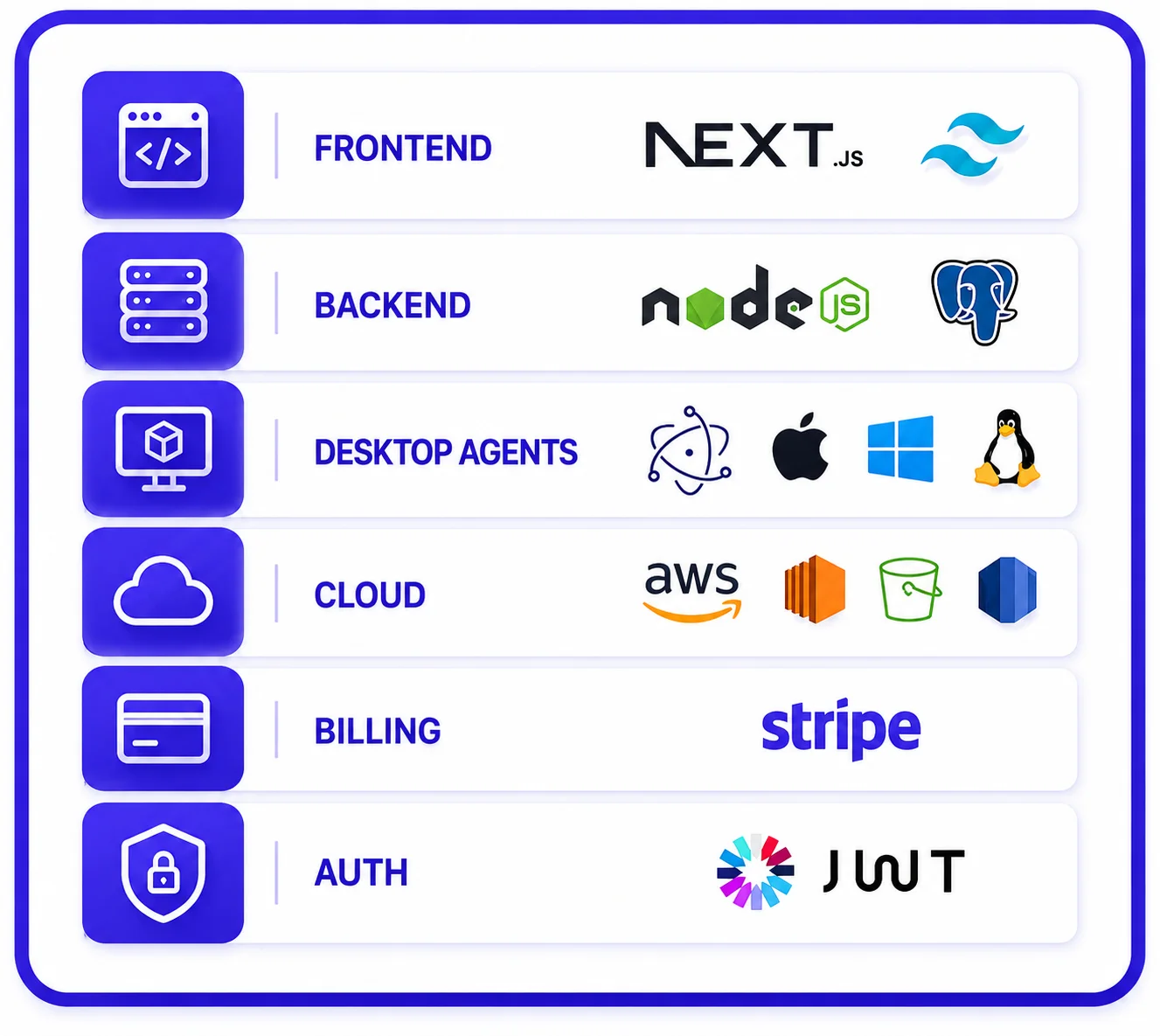
The hardest part was not building the UI or the dashboard — it was getting the shift attribution logic right at the database level. The desktop agent and the backend had to agree on shift boundary logic consistently, regardless of the user’s local timezone, the OS they were running, or whether their shift crossed midnight in UTC versus their local time. Getting that correct across Mac, Windows, and Linux simultaneously added real complexity.
The pricing model also shaped the engineering decisions from day one. At $125/month for 100 users, the infrastructure had to be lean by design. We did not build it expensively and plan to optimize later.